Illustrative imagery

Financial services20244–6 months

A CRM that knows what happened last

Client: A consumer-finance provider

Read the story
  • Marketing Technology
  • Technology & Intelligence
  • Product & Experience Design
A woman smiles at her phone at a café table by a tall window, a city and a lake behind her.

At a glance

The brief. Make every customer message aware of the last thing that happened.

Client
A consumer-finance provider
Year
2024
Duration
4–6 months
Scale
App, web and servicing

From brief to result

Event first, message second. How the journeys were built.

The brief in full, how we approached it, what we built and what it set out to change.

The brief, in full

Customers heard from the business in pieces. Marketing, product and servicing each sent messages from their own tools, so a customer who had paused a loan application could receive a generic offer the same day — and an open complaint did not stop a promotion.

The brief: make every message aware of the last thing that happened, and make consent and regulatory suppression impossible to skip.

Our approach

We mapped the journeys from the customer’s side first: the moments that matter, the events that mark them, and the messages that should — and should not — follow. Then we joined app, web and servicing events into one profile, so the journey engine reads a single timeline.

Consent and suppression sit before the send, not after it. A message that fails a check never leaves the queue, and the reason is logged.

How it ran

  1. Weeks 1–4Journeys

    Lifecycle journeys mapped with product, servicing and compliance in the room.

  2. Weeks 3–10Events

    An event schema for app, web and servicing, streamed into one customer profile.

  3. Weeks 8–14Rules

    Consent, preferences and regulatory suppression applied before every send.

  4. Months 4–6Launch

    Journeys switched on one at a time, each with a hold-out group to measure against.

What we built

An event-driven customer profile joining app, web and servicing events, with consent and regulatory suppression applied before any message is sent.

What it left behind

  1. Customer event schema
  2. Lifecycle journey maps
  3. Consent and preference centre
  4. Message audit log

What changed

Each journey is designed to start from the customer’s latest event, so a change in the preference centre reaches the next message, not the next campaign, and every message carries a record of why it was sent.

The measures below are read journey by journey, against a hold-out group. Results are shared only with the client’s approval.

How it is measured

Picture story

Where the messages land. In the customer’s day, not the campaign calendar.

The pictures on this page are illustrative: licensed stock photography and code-built mock-ups chosen to show the setting, not the client’s own work. Credits are at the foot of the page.

Two colleagues talk in front of a dark wall covered with coloured sticky notes, one pointing at a note.
Fig. 01Journeys mapped from the customer’s side: the moment, the event that marks it, the message that follows.Vitaly Gariev on Unsplash (opens in a new tab)
A young woman in a leather jacket smiles at her phone at an outdoor café table.
Fig. 02A message is only useful if it knows what happened last.Vitaly Gariev on Unsplash (opens in a new tab)
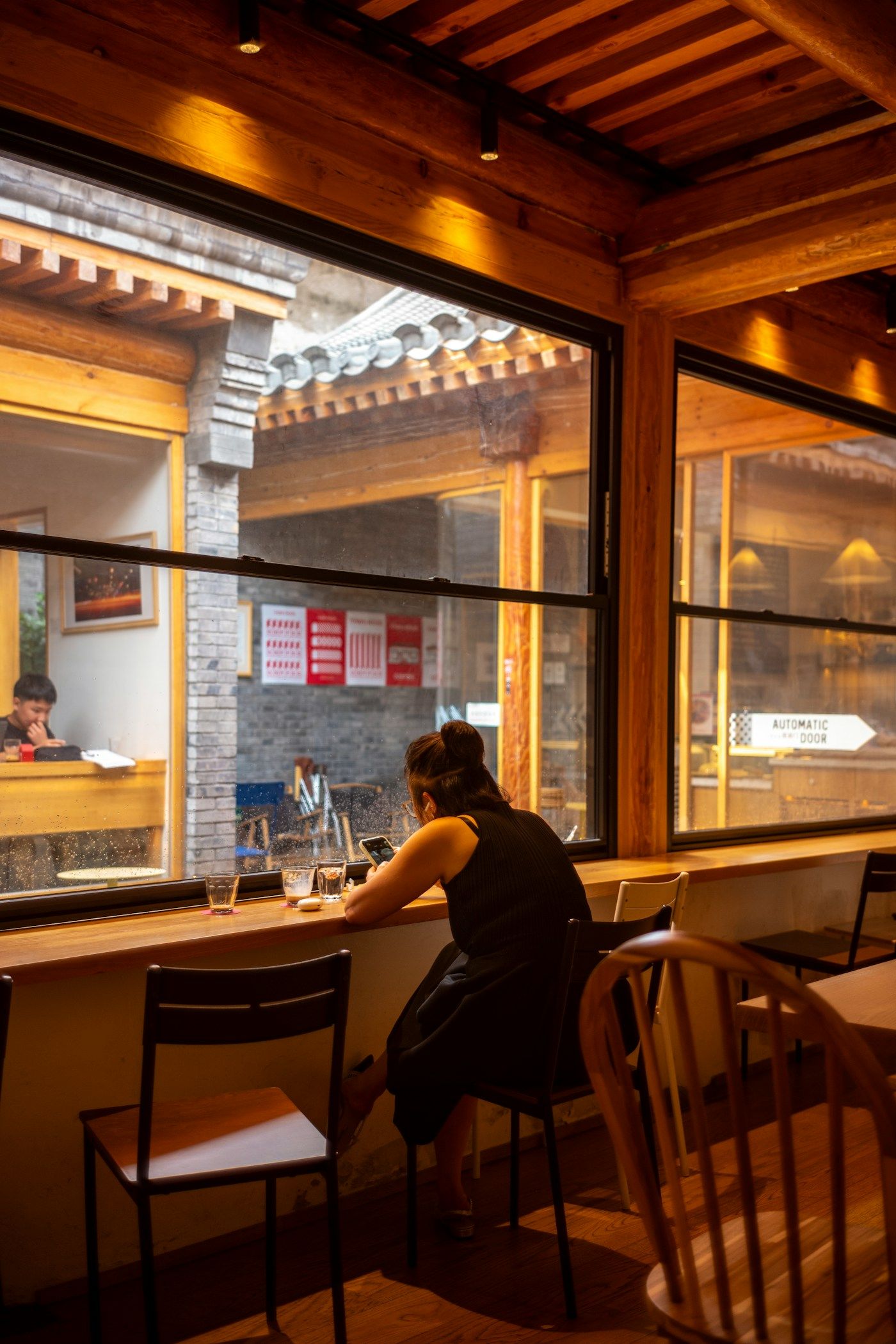
A woman sits alone at a counter by the window of a warmly lit café at night, looking at her phone.
Fig. 03Servicing events count as much as marketing ones.tommao wang on Unsplash (opens in a new tab)
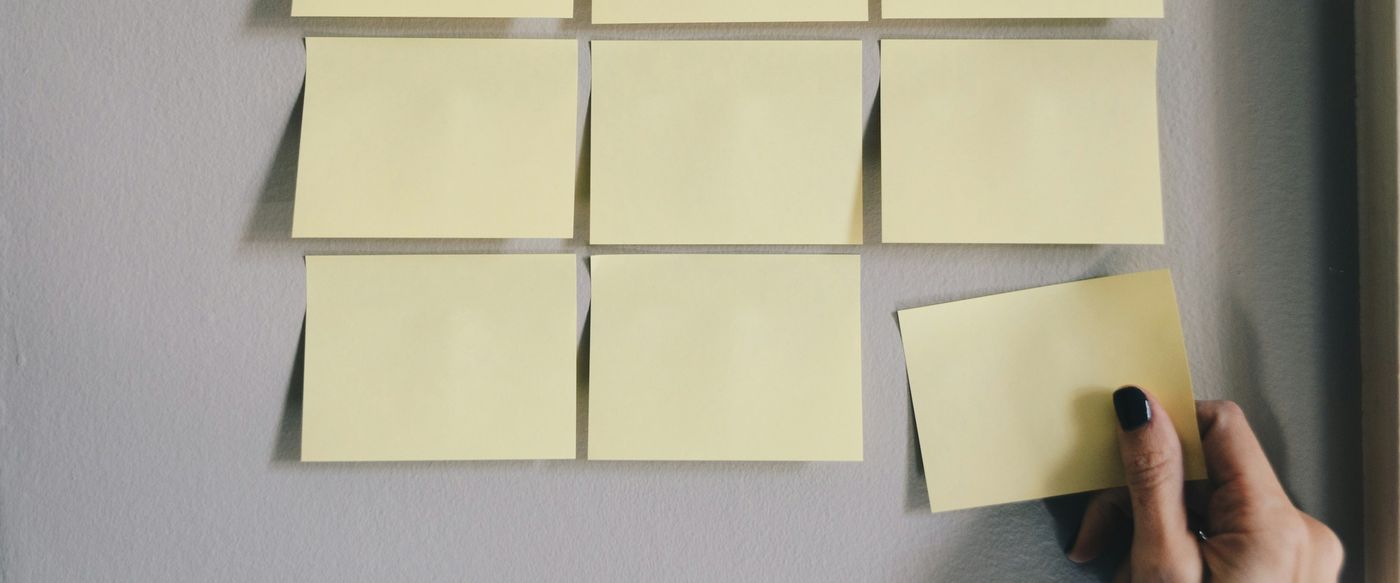
Pink and yellow notes pinned to a grey board, the nearest reading “Impact” and “Chat”.
Fig. 04Every message type, with the event that triggers it and the rule that stops it.Patrick Perkins on Unsplash (opens in a new tab)

On screen

The journey and the message. Built in one tool, seen on one phone.

Illustrative screens, built in code to show the kind of screen the programme produced — not the client’s own. Open any of them full screen.

Illustration: a journey builder. An event “Paused at the income step” leads through a one-day wait and a consent check to a reminder message, with a branch that suppresses it while a complaint is open.
DesktopThe journey builder: the trigger, the wait, the checks — and the branch that stops the message.
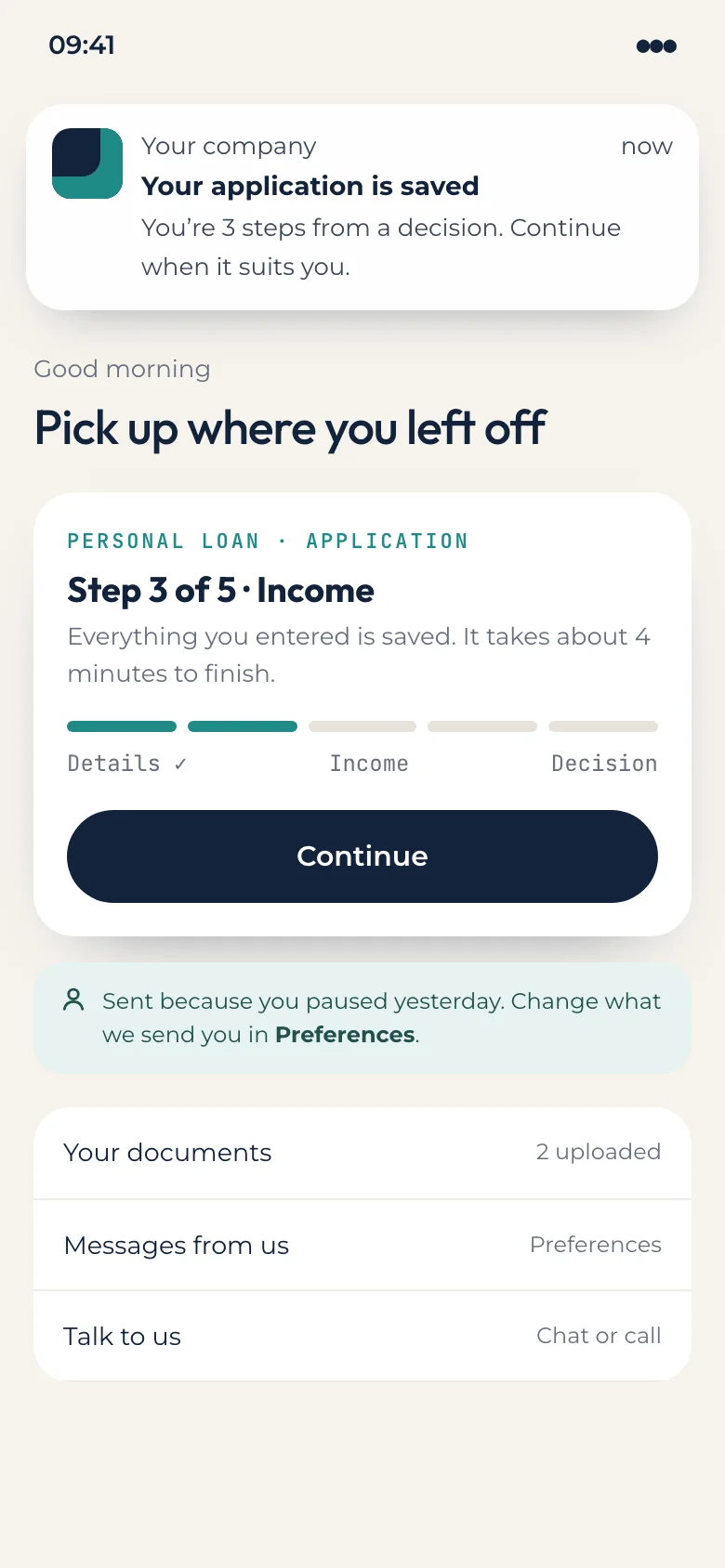
Illustration: a phone notification and in-app card saying the application is saved at step 3 of 5, with a button to continue.
PhoneThe message the customer sees: it picks up where they left off.

Outcomes

Judged journey by journey. Completion, complaints and speed.

What each measure is compared with, when it is read and who reports it — and the results, once the client approves them.

The measurement plan

  1. Journey completion by stage

    Compared with
    A hold-out group on the old messages
    Read
    Four weeks after each journey goes live
    Result
    Awaiting approval Reported by The client’s CRM team
  2. Opt-out and complaint rates

    Compared with
    The same months in the year before
    Read
    Monthly, by journey
    Result
    Awaiting approval Reported by Compliance, from the message audit log
  3. Time to launch a new journey

    Compared with
    The last journey launched on the old tools
    Read
    Each new journey
    Result
    Awaiting approval Reported by Marketing operations

Results

Figures pending client approval

We publish results only with the client’s written approval. Until then, the plan beside this is what the programme is judged on, and we can walk you through it under NDA.

Credits

The team and the pictures.

People are named only with their agreement.

Team 6 people

  • Programme lead × 1
  • CRM strategist × 1
  • Service designer × 1
  • Data engineers × 2
  • Marketing automation specialist × 1

Credits

Strategy, design and engineering
Xterra Edze
Screens and before-and-after views
Xterra Edze (code-built illustrations)
Photography
Licensed stock from Unsplash, credited picture by picture

Pictures 7

Licensed stock photography and code-built mock-ups, chosen to show the setting — not the client’s own work.

Next case · 03 · B2B technology

An assistant that answers what sales kept repeating

Give sales an assistant that answers from approved sources, and says when it does not know.

Read the next case

Let’s build what happens next.

Tell us what you’re building. We’ll answer straight.

Book a discovery call

Three ways to start

  1. 01About 2 minutes

    A quick question

    You get A reply from a lead, not a sales queue

  2. 02About 8 minutesMost useful

    A project brief

    You get Options and a first scope after one call

  3. 03About 15 minutes

    A formal RFQ or RFP

    You get Receipt confirmed and a named bid lead

Every engagement starts with a written scope and a quote agreed before work begins. How each package is priced